


IG HIGHLIGHT COVER
- Medi

- Mar 2, 2018
- 1 min read
Updated: Mar 4, 2018
Hey, It's Medi!

I'm gonna tell you "How To Make Instagram Highlight Cover"
Step 1 :
Download the background color you want

Step 2 :
Download Transparent PNG Picture
For example search 'Cutlery icon png'

Step 3 :
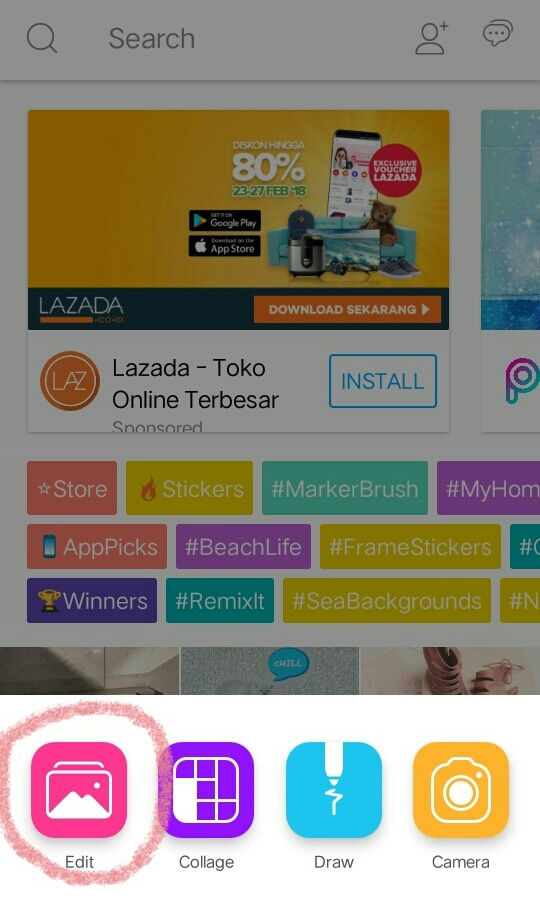
Open Picsart, then click Edit
Step 4 :
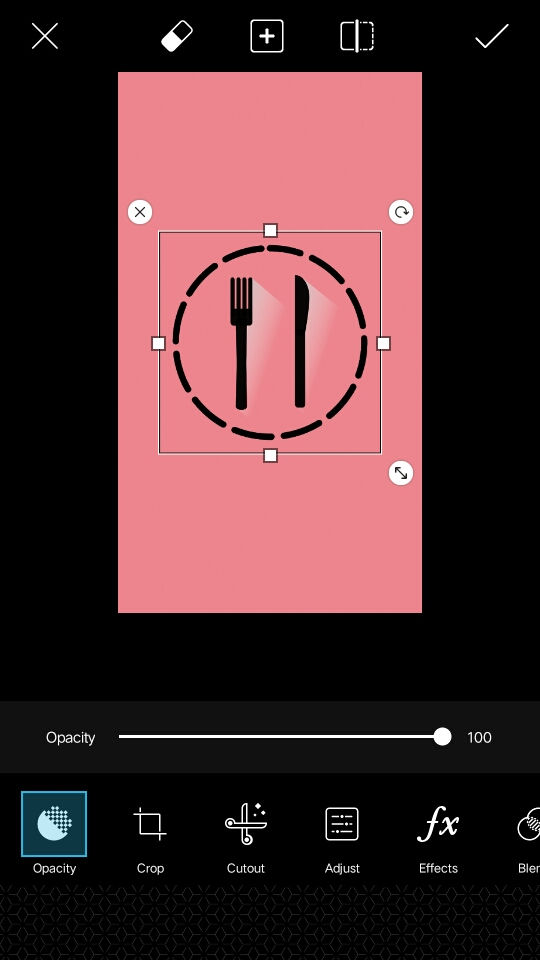
Choose the background color you've download, then Click 'Add Photo'

Step 5 :
Choose the icon you've download
Step 6 :
Save it on your camera roll

Step 7 :
Post on your Instagram Story, then add to highlight

Step 8 :
Click 'Edit highlight' then 'Edit cover' with your choosen picture, Then click Done.

Step 9 :
And it's doneeeeee!



Comments